Practices and clinics
Schedules, prescriptions and a continuous patient record, with physician and reception workspaces.
 BioArcContinuity of care
BioArc · Connected healthcare
A connected workspace for physicians, patients and medical centers.
From appointments and admission to visits, prescriptions and electronic records: tools that connect the care journey.

Medical and research centers












For patients
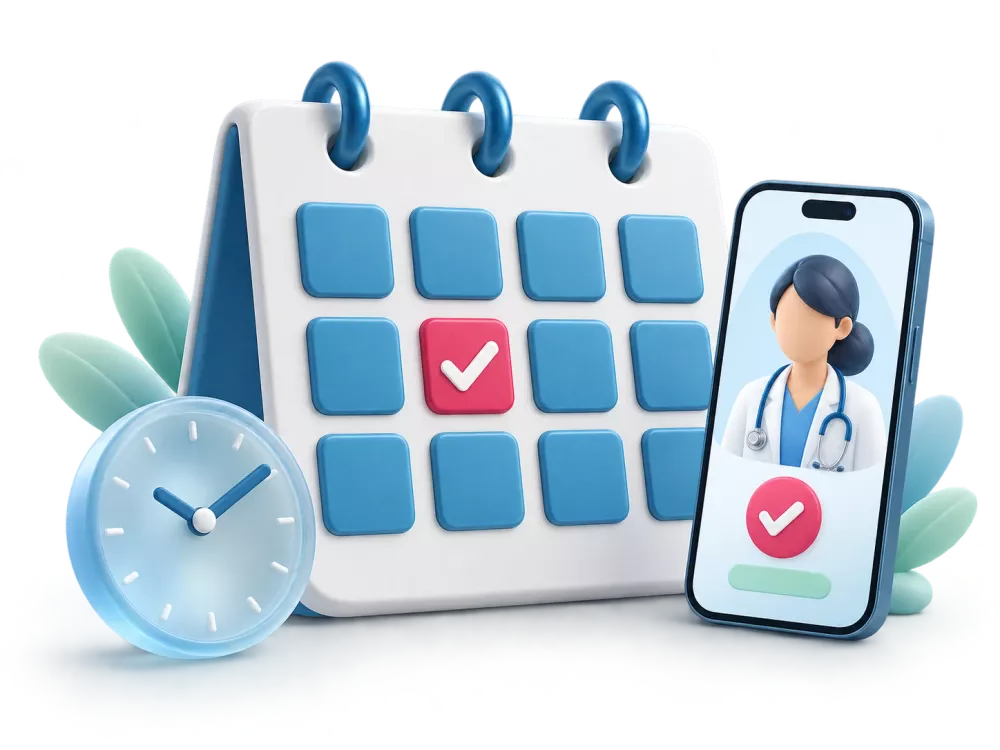
BioVisit lets patients find a physician or center and review available appointment times. Centers configure attendance schedules, capacity and booking rules for their own workflow.
For everyday clinical work
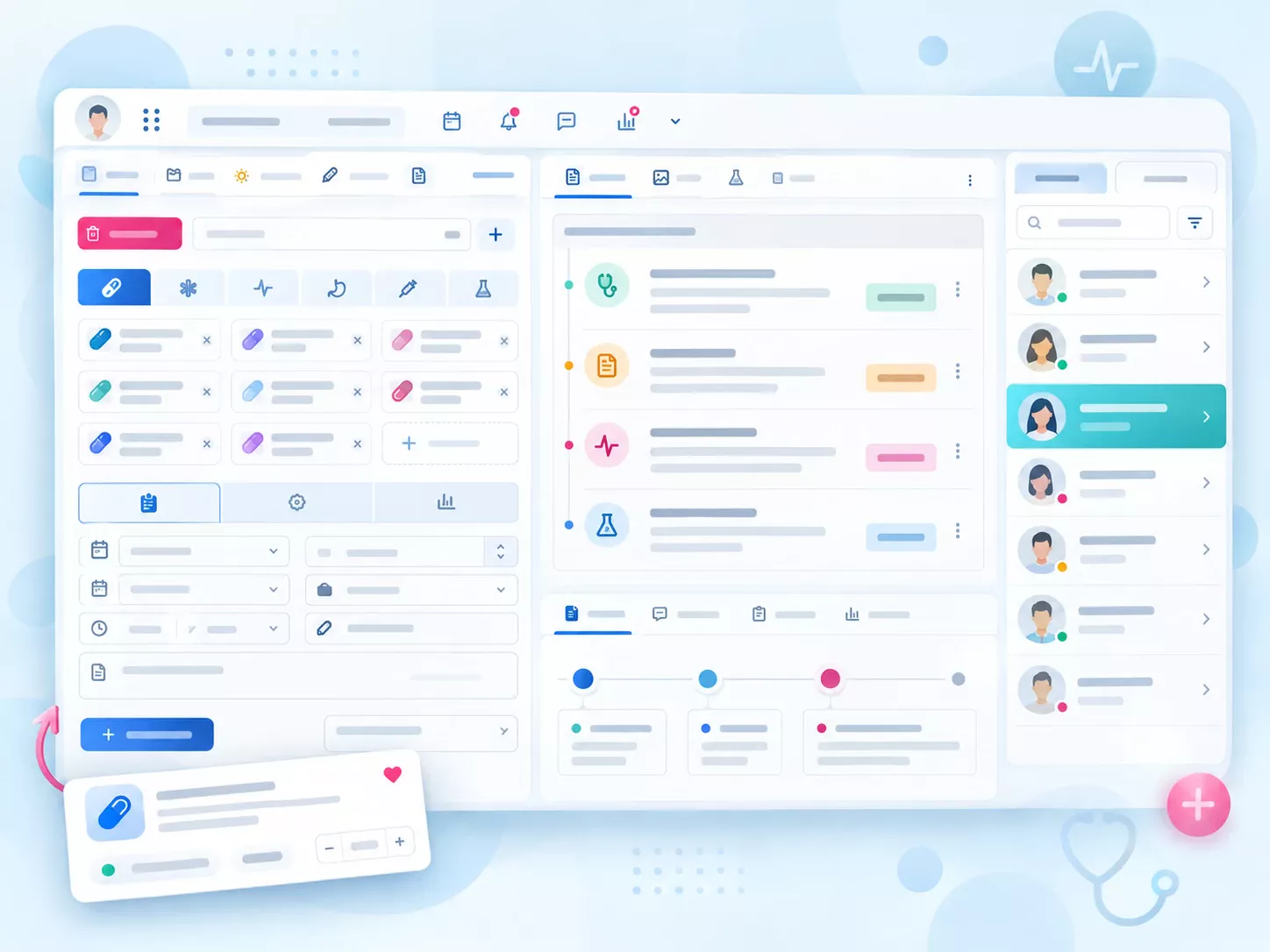
Choose medicines, laboratory tests, imaging, equipment and services from the same workspace. Favorites, reusable templates and previous prescriptions support daily work.
Learn more ↙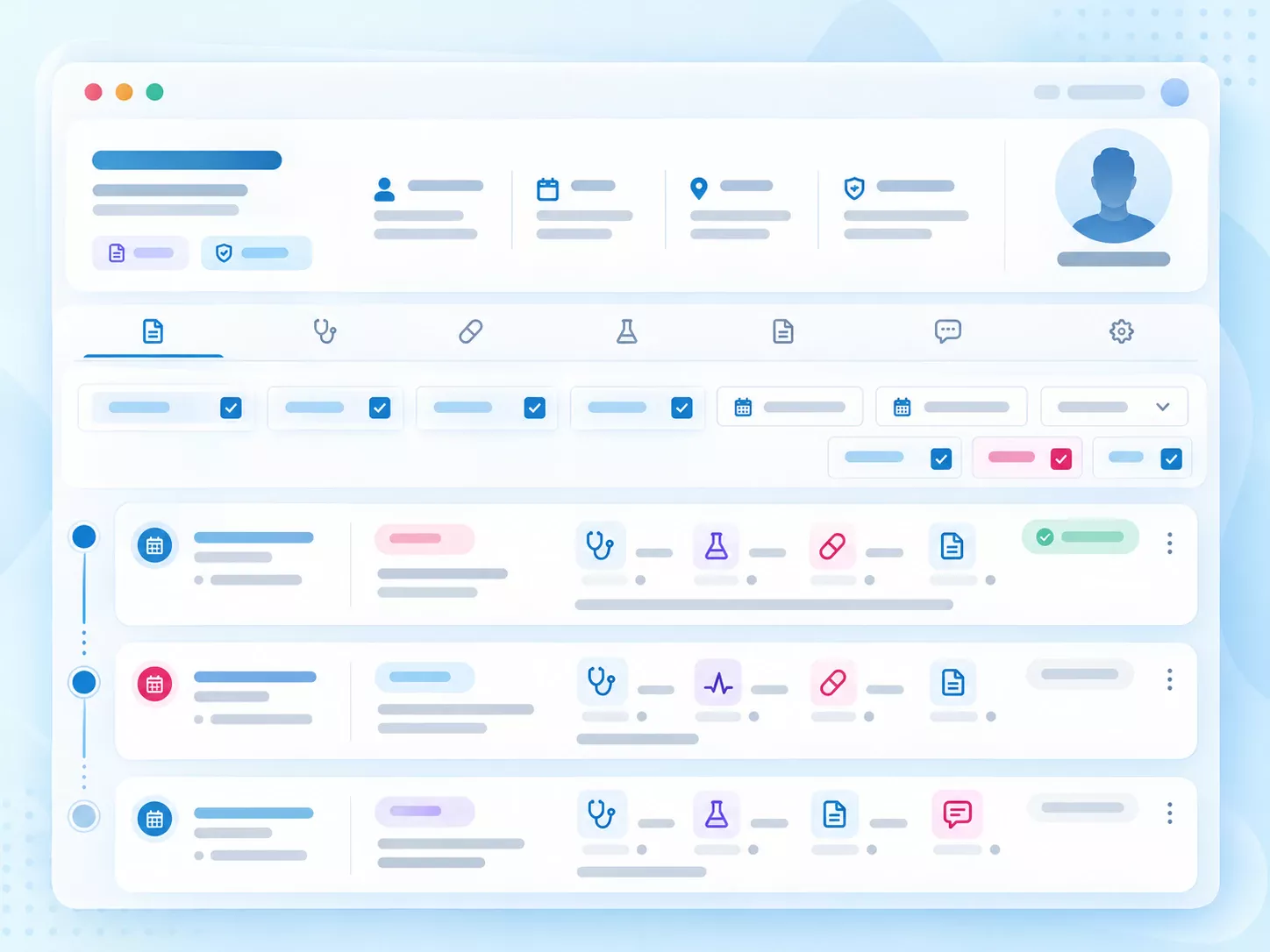
Review visits, medication history, laboratory results, documents and payments through connected views. Filter the timeline by event type and time to understand previous care.
Learn more ↙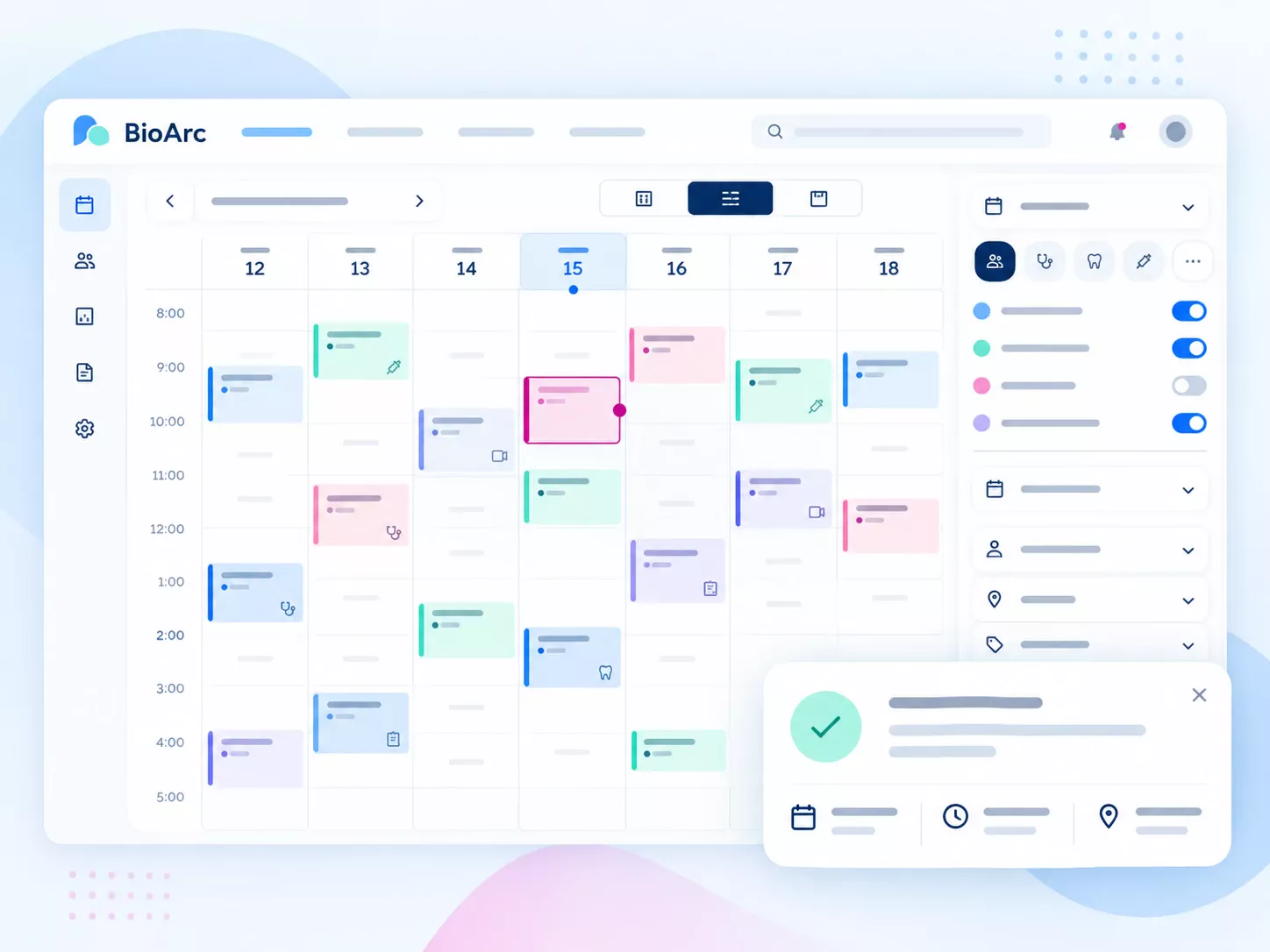
BioVisit lets patients find a physician or center and review available appointment times. Centers configure attendance schedules, capacity and booking rules for their own workflow.
Learn more ↙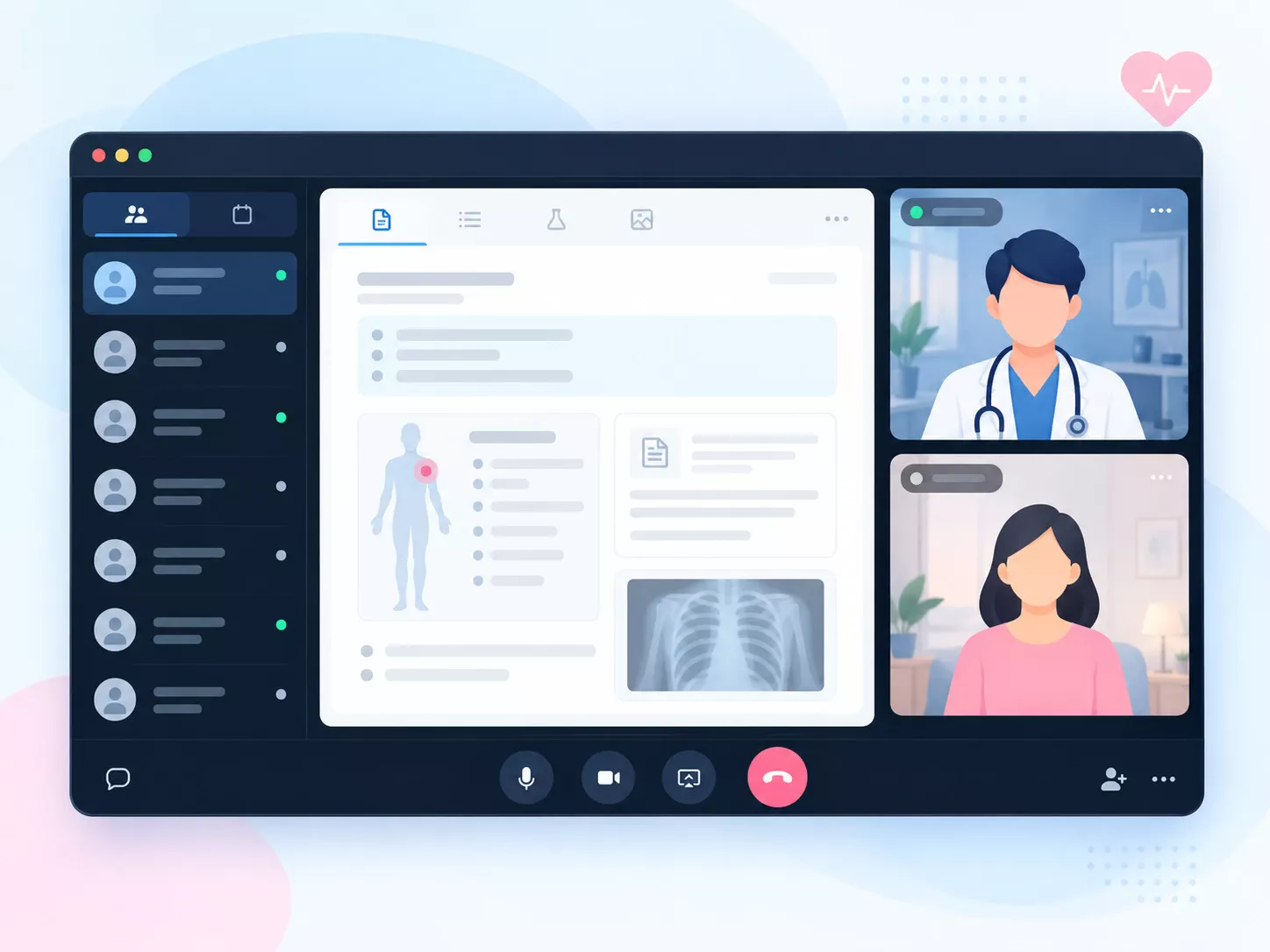
Video, voice and text communication and document sharing can accompany the consultation. Record the visit and prescription within the agreed clinical workflow.
Learn more ↙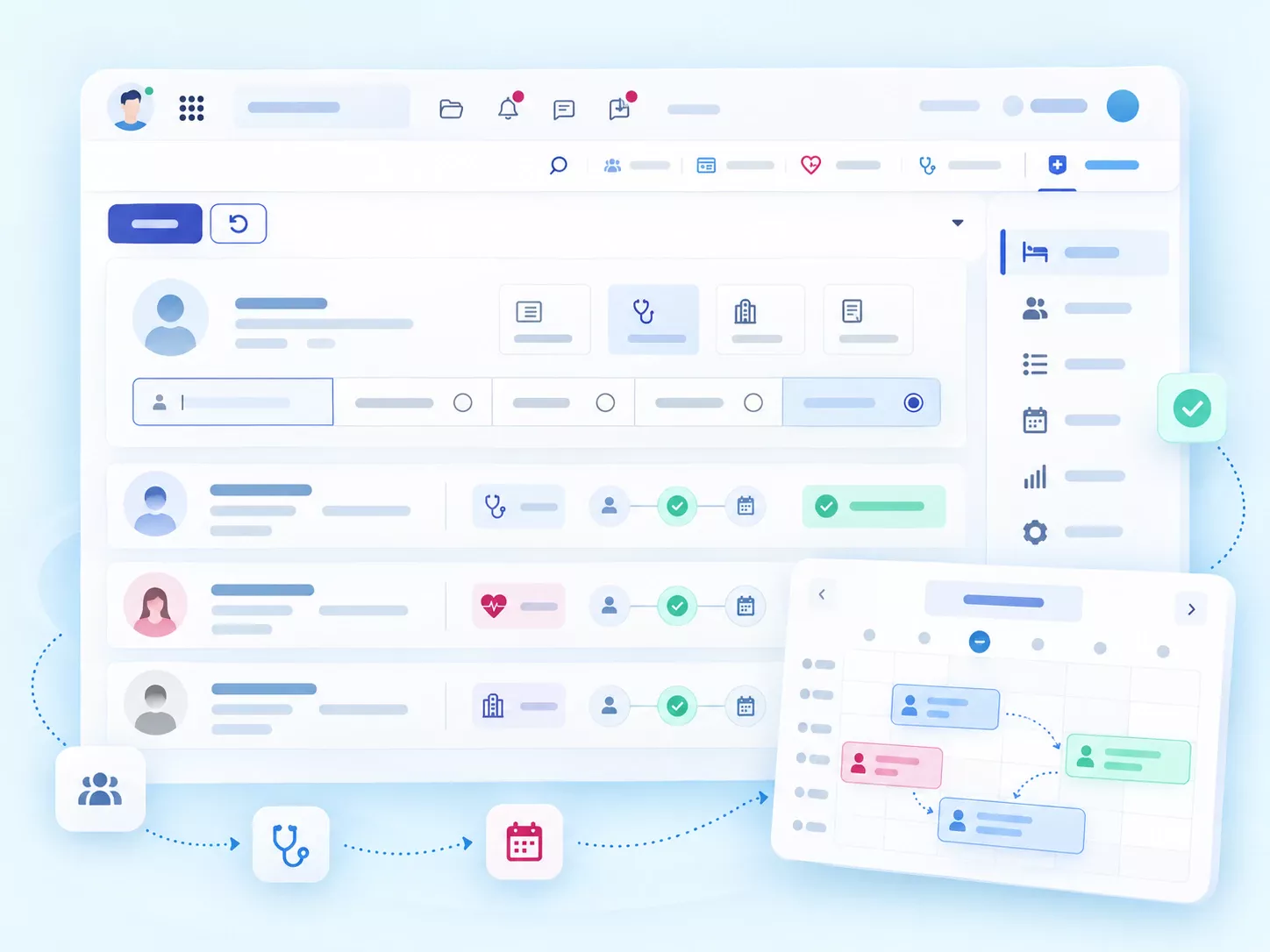
Connect patient registration with the physician, department and appointment. Reception teams can use worklists, admission calendars, status filters and appointment rescheduling.
Learn more ↙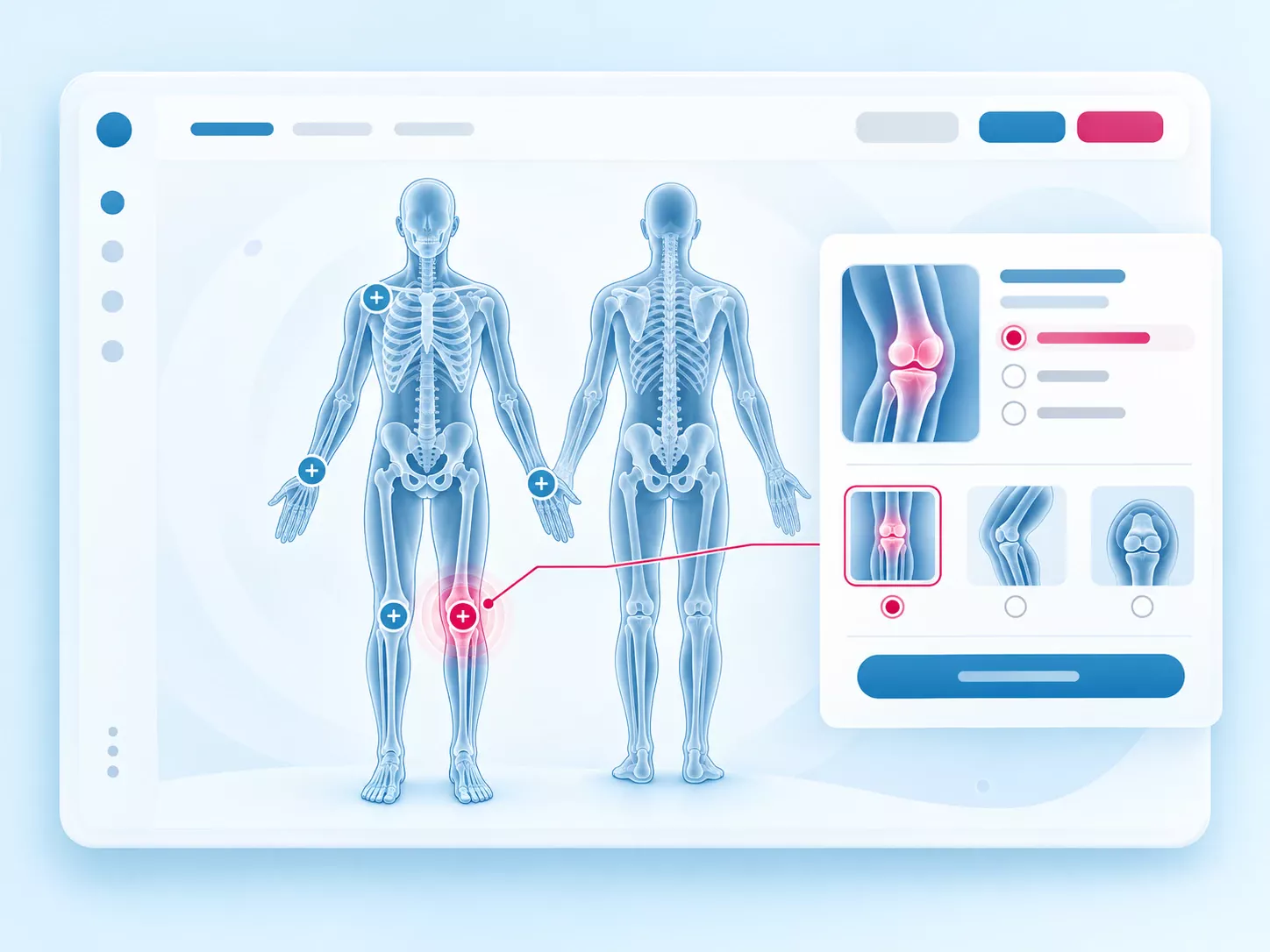
For supported imaging requests, select the relevant body region visually, then specify details such as side and view. Graphical favorites and list search remain part of the prescribing workspace.
Learn more ↙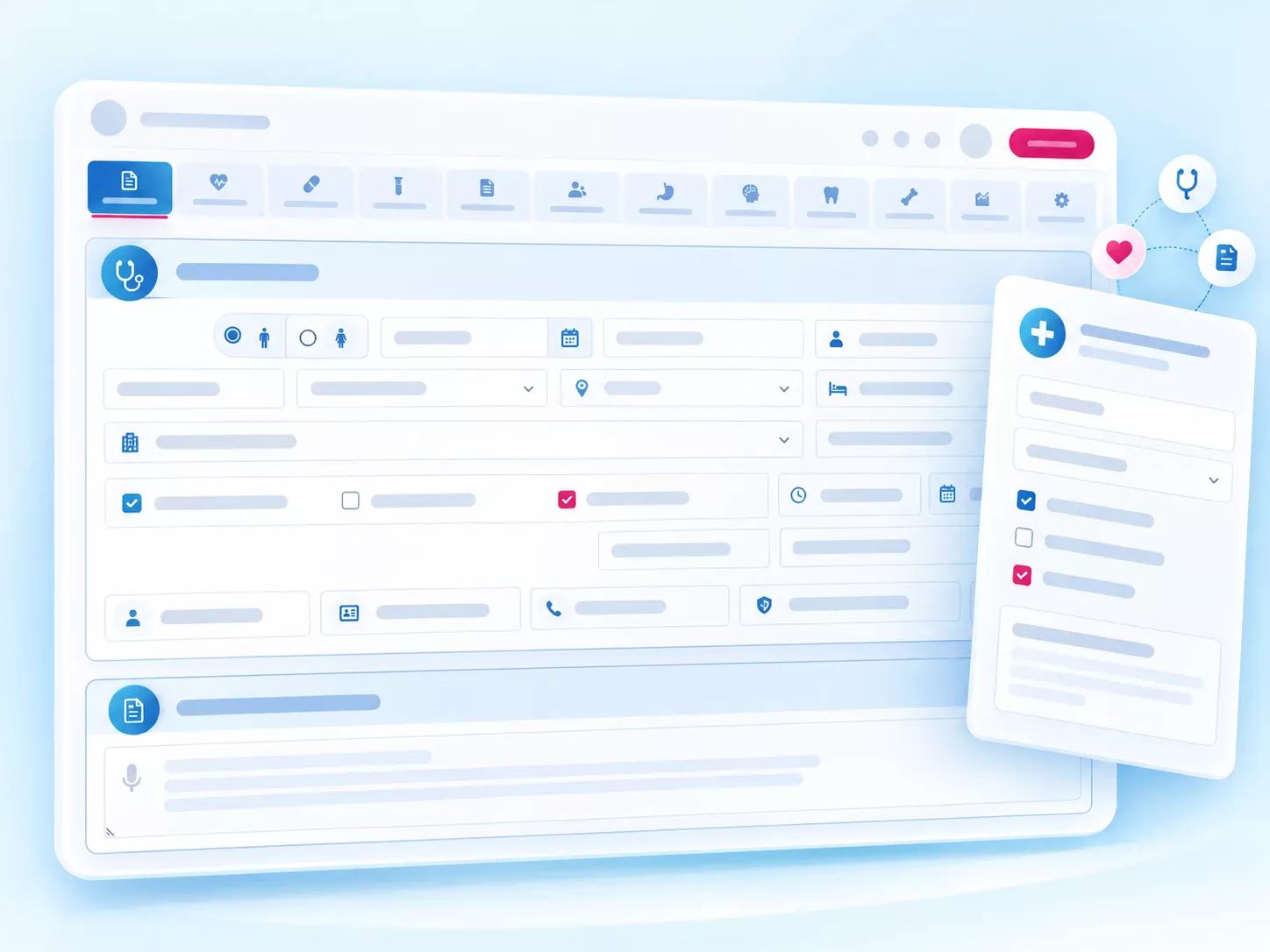
Design specialty forms with the center’s clinical team: history, examination, assessment, questionnaires and follow-up. Structured fields and graphical tools support disease registries and agreed research outputs.
Learn more ↙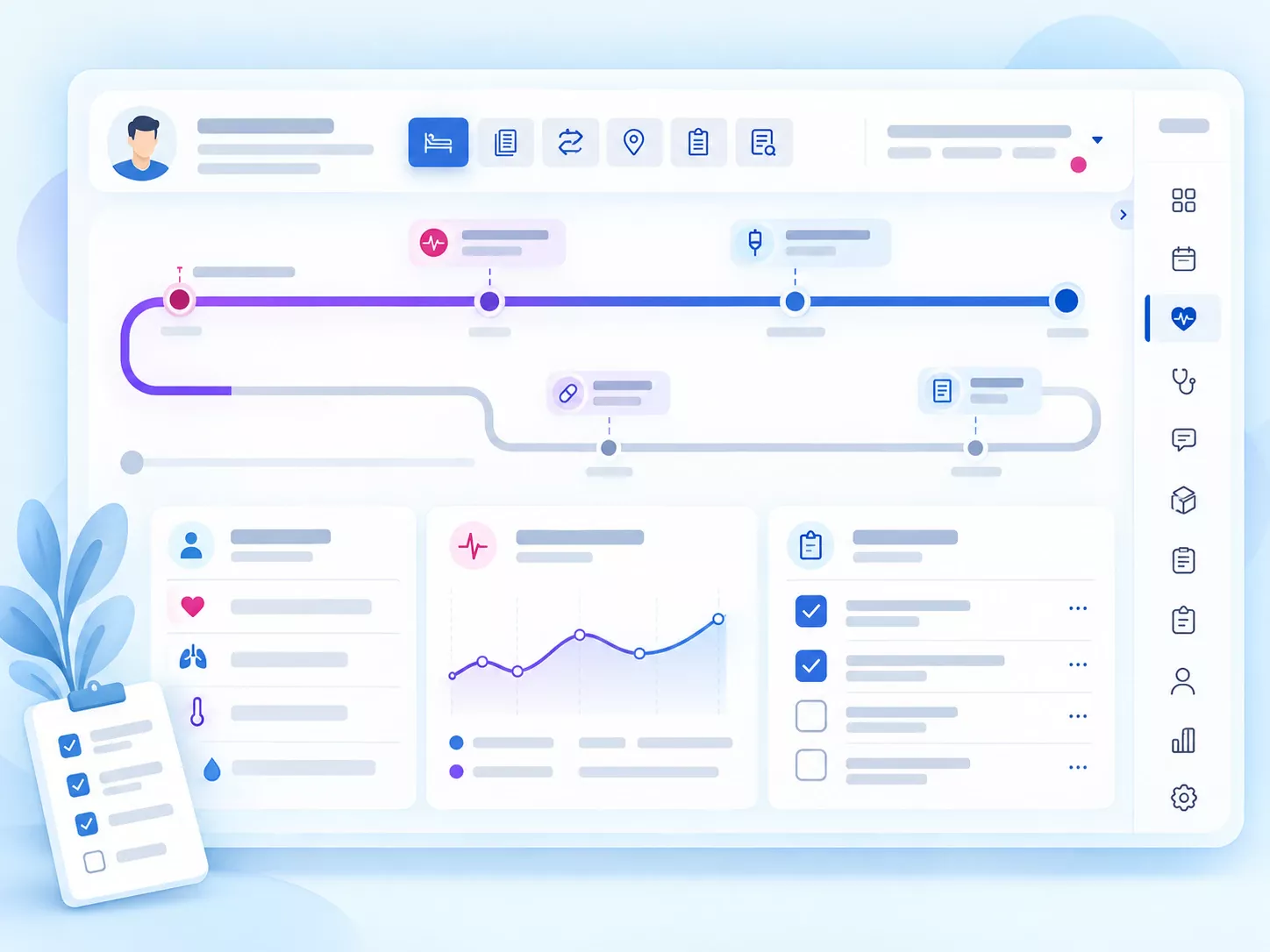
Bring the inpatient dashboard, vital signs, nursing routines, progress notes and consultation requests alongside the electronic record. Each team member works within defined responsibilities.
Learn more ↙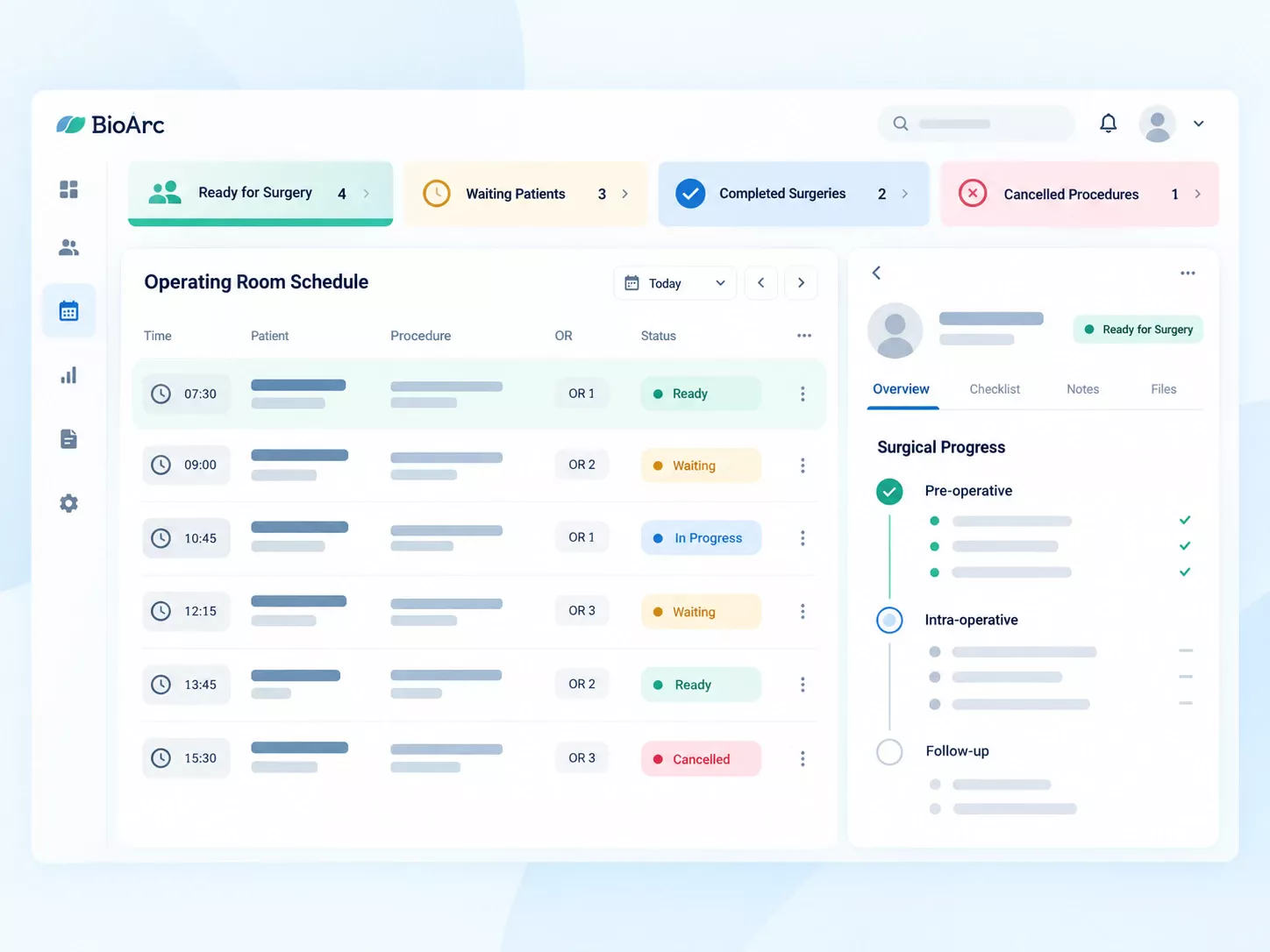
Preoperative assessment, operative documentation and postoperative care alongside the patient history and related forms.
Learn more ↙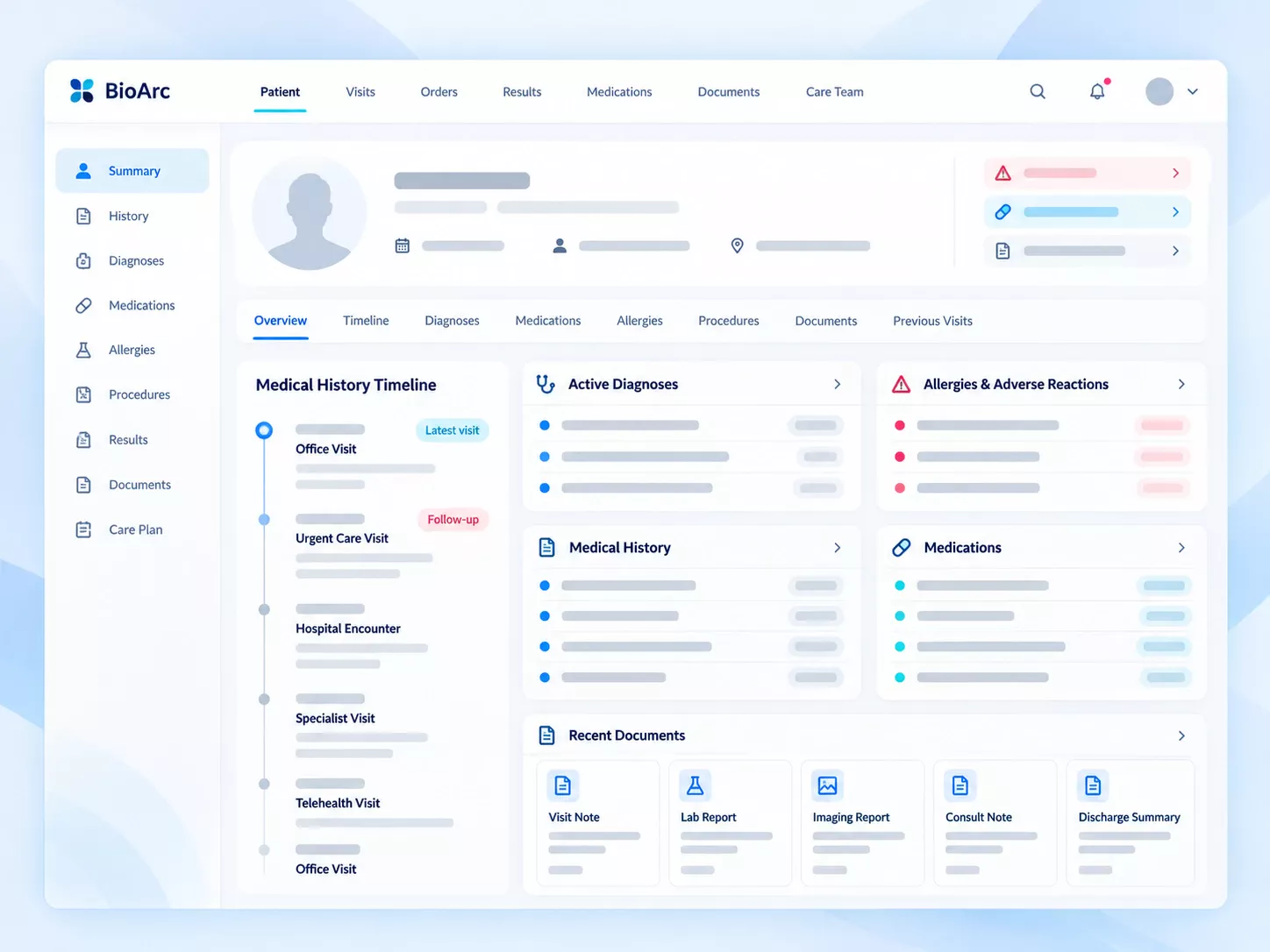
Review recorded diagnoses, medicines and allergies to support documentation and follow-up at later visits.
Learn more ↙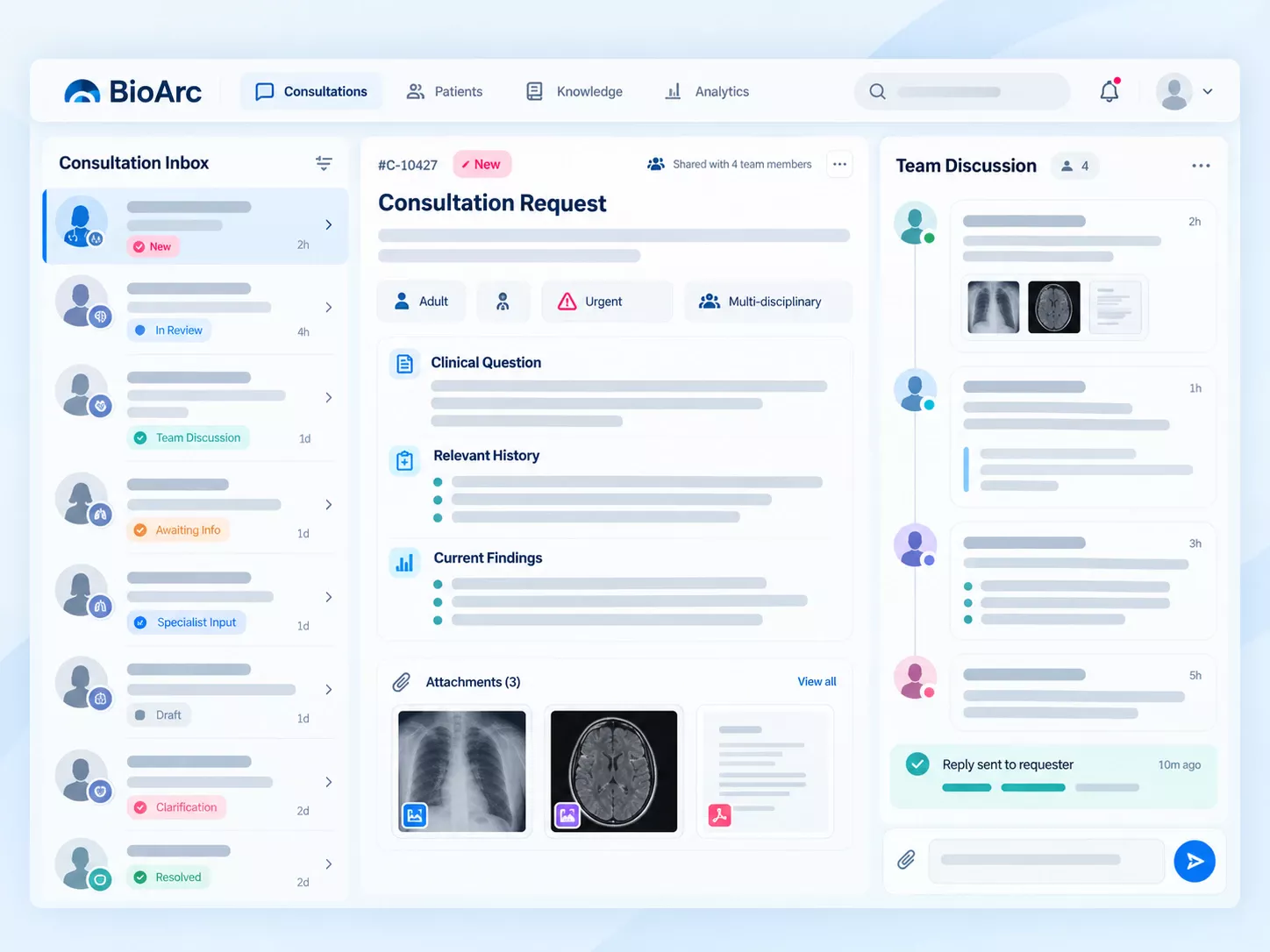
Independent faculty, resident and reception accounts with responsibility-based access and record completion and review workflows.
Learn more ↙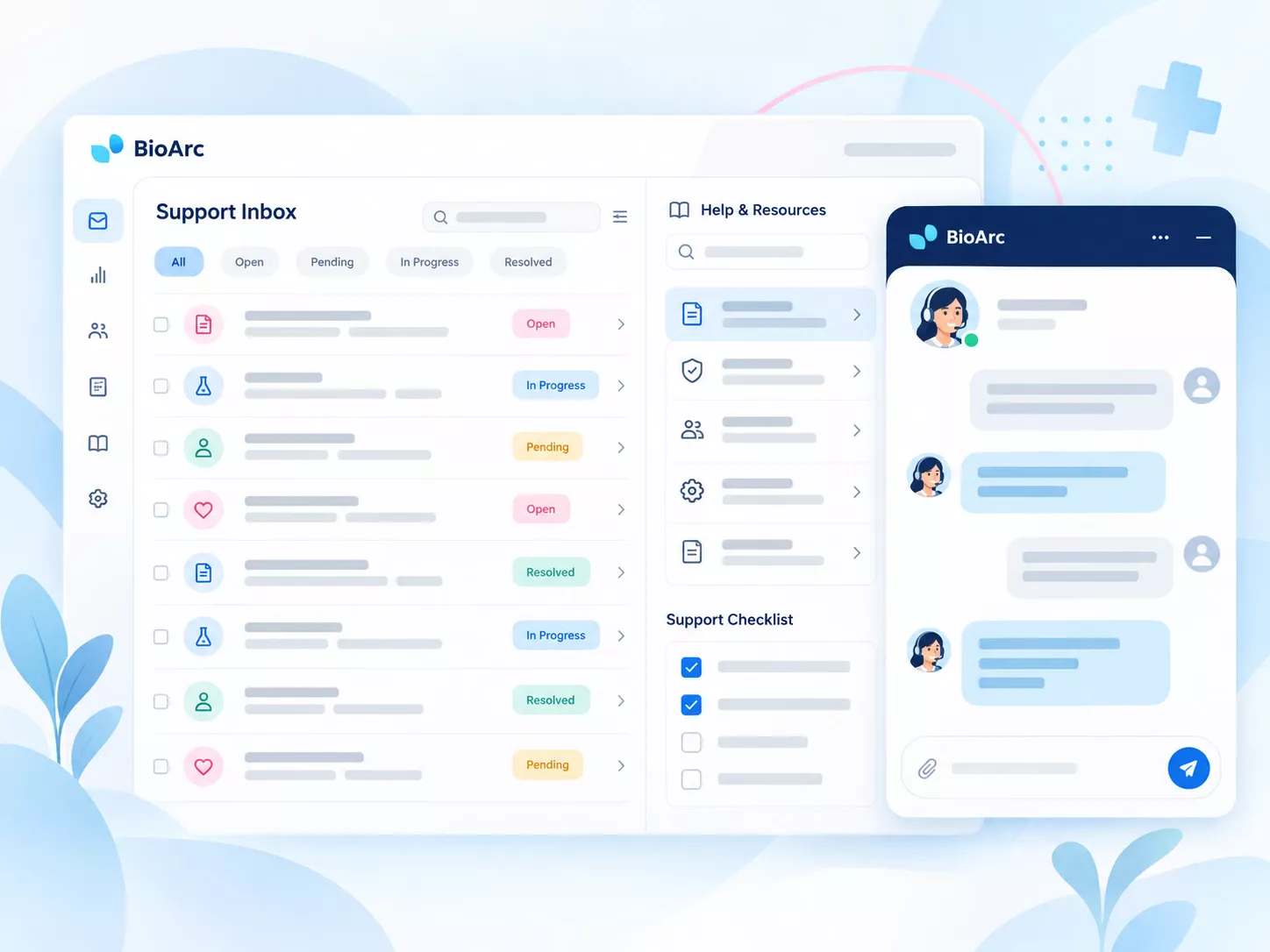
Role-based training, guidance videos and support chat for the capabilities enabled at the institution.
Learn more ↙Modules and integrations are enabled according to each center’s agreed configuration.
The patient’s perspective
Video, voice and text communication and document sharing can accompany the consultation. Record the visit and prescription within the agreed clinical workflow.
BioVisit lets patients find a physician or center and review available appointment times. Centers configure attendance schedules, capacity and booking rules for their own workflow.
 Illustrated from the BioArc workflow. All information is fictional.
For physicians and care teams
Record history, diagnoses, documents and prescriptions within a visit. Independent physician, assistant and reception roles support collaboration and accountability.
Learn more ↙
Illustrated from the BioArc workflow. All information is fictional.
For your scale and workflow
Schedules, prescriptions and a continuous patient record, with physician and reception workspaces.
Admission, services, inpatient and nursing care, queues and operational reporting.
Specialty forms, faculty and resident roles, registries and research outputs alongside care.
Clinical data for research
BioArc registries connect questionnaire design, patient follow-up, data quality, projects and research outputs in one workflow.
Structured fields, input guidance, graphical selection and field histories aligned with disease definitions and follow-up periods.
Reviewers can assess entered data and request corrections. Data-entry teams follow feedback during record completion.
Define patient cohorts with research criteria and review authorized data through reports, charts and structured exports.
Sample registration, storage locations and usage history can accompany research projects, with role-appropriate access.
BioArc architecture and infrastructure
BioArc brings patient services, clinical work, center management and research around connected data. Dedicated deployment can run on the institution’s infrastructure, with its own modules, permissions and integrations.
Architecture, deployment and technical details ↙
Rooted in research
BioArc grew from medical and computer engineering collaboration on structured patient data. That work expanded into specialty records, prescribing and center management, shaped by clinical and research workflows.
Certificates and permits ↗

In order to relate of main complaints, diseases, clinical symptoms, lab tests, diagnosis, and etc. with relevant specialists, BioArc's design and…
Read article ↙ Dr Ahmadreza Jamshidi
President of Rheumatology Research Center (RRC)
Read the full experience +
Dr Ahmadreza Jamshidi
President of Rheumatology Research Center (RRC)
Read the full experience +
We use this program for the rheumatology clinic of Shariati Hospital. We have used four other programs before this history. This app is very easy to use and has a good support team.

Explore introductions and daily workflows. The current training videos are in Persian.
Getting started with BioArc
Implementation follows real scenarios with clinical, management and IT teams.
Review departments, users and real admission-to-care scenarios.
Define modules, forms, integrations, hosting and acceptance criteria.
Configure the center and train each group for its responsibilities.
Verify agreed scenarios and define issue tracking, support and updates.
For centers and universities
Deployment, data, training and everyday work.
021 2842 8383 90006010 90007020Share your center type, departments, approximate user numbers and current admission-to-treatment workflow. A demonstration can then focus on relevant scenarios and define the proposed scope.
The agreed scope can cover one unit or multiple centers. Rollout order, connections between units and future expansion are defined in the implementation plan.
Modules, center and user structure, custom forms, integrations and hosting affect the estimate. Setup, customization and maintenance are specified in the proposal and contract.
Timing depends on project scope, infrastructure readiness, customization and access to required services. Deployment, training, scenario testing and launch dates are agreed before implementation.
Dedicated deployment on the institution’s infrastructure is available. Server, network, domain, technical access and infrastructure maintenance responsibilities are reviewed and agreed in advance.
Web capabilities are accessible through a browser. Peripheral devices or local integrations may require configuration or a supporting tool, identified during technical assessment.
The technical teams review available services, data and permissions. Integration, mapping and exchange tests are scoped per center; a module does not imply a ready connection to every external system.
The structure, quality, identifiers, documents and volume of available data are assessed first. Migration scope, field mapping and verification must be agreed.
The center’s data ownership and export process should be explicit in its contract. Format, scope, timing and end-of-contract transfer arrangements are agreed for that institution.
Independent accounts and roles are aligned with responsibilities. Access for physicians, assistants, nurses, reception and administrators, as well as support access and confidentiality commitments, are agreed for the center.
Infrastructure, backup creation and retention, storage location and recovery responsibilities must be clear for the hosting model. Backup frequency and recovery tests are specified in the technical plan and contract.
Admission establishes the visit, physician and department. The physician can review history, examination, prescriptions and records in connected workspaces; the detailed workflow depends on center configuration.
For supported imaging requests, select a body region visually and specify details such as side and view. Favorites and list search are available alongside this workflow.
Forms and follow-up workflows can be designed with the center’s scientific team. Structured fields, checklists, questionnaires and research outputs are defined within the agreed customization scope.
BioArc supports independent accounts and roles. Viewing, recording, completion and supervision permissions are configured to match the institution’s teaching and clinical structure.
BioVisit provides patient booking and online services. Schedules, capacity, video, voice, text and document sharing can be included according to the agreed scope.
Training is planned by role. On-site or online delivery, content and sessions are agreed in the deployment plan. Training videos are also available in the learning section.
Use the chat button or call +98 21 2842 8383. Request logging, prioritization, issue resolution and development requests are defined at launch; response targets depend on the center’s contract.
Modules, forms, roles and integrations depend on each center’s needs and configuration. The demonstration reviews selected capabilities, prerequisites and customization so delivery scope is clear.
BioArc’s foundation uses open-source technologies. The listed open-source components do not require a separate commercial operating-system, web-server or database license.
Let’s talk about your center
Tell us about your needs, request a demonstration or ask a question. You can also call our team.
021 2842 8383 90006010 90007020Support and services office
No. 43, Golgasht Alley, Jordan, TehranEngineering Office: Science and Technology Park, Ilam